Prax9 / chatsequelWhat the extension does
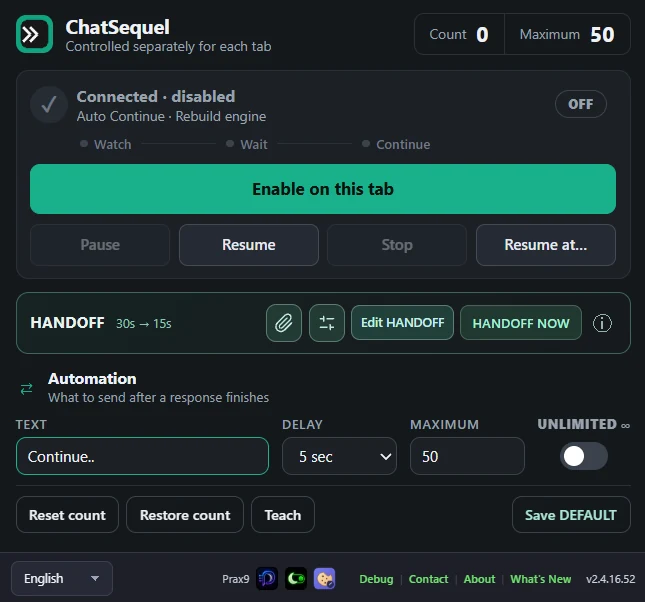
Auto Continue: after ChatGPT finishes a reply, ChatSequel sends the continuation message you chose (such as “Continue”) after the delay you set. Automatic sending works only in tabs you explicitly enable.
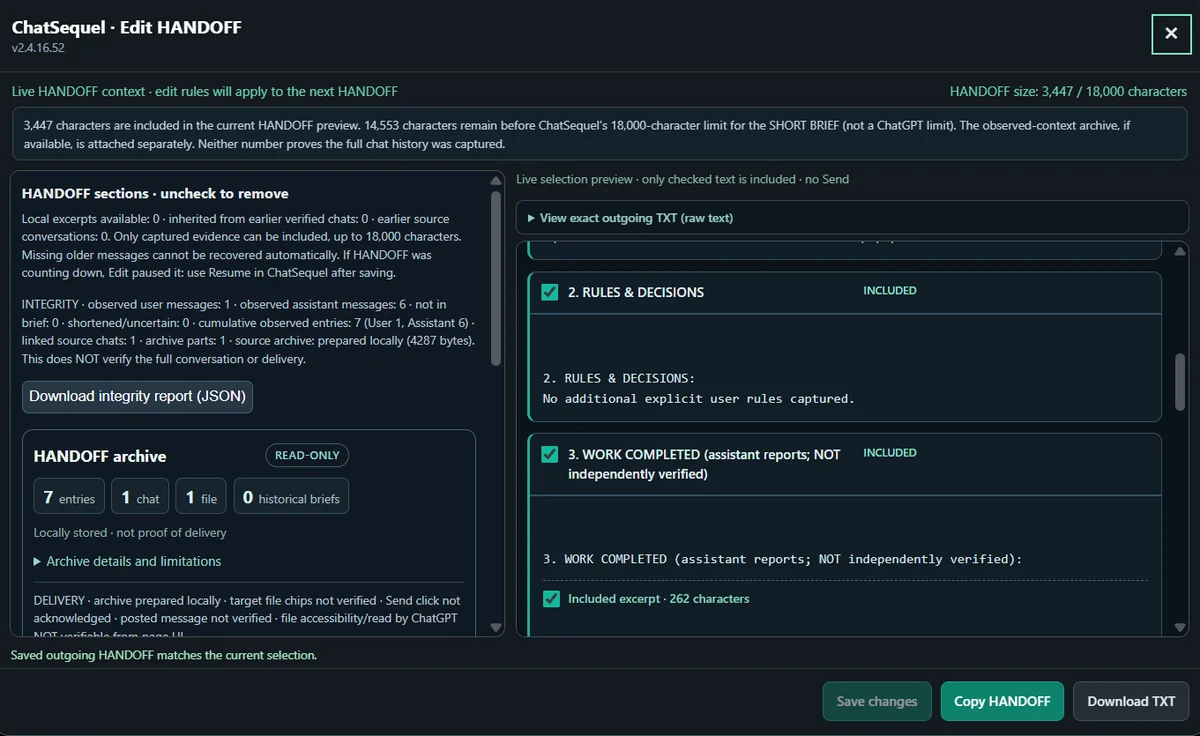
HANDOFF: when a conversation becomes too long, the extension prepares a transfer summary from the conversation content currently accessible on the page. When the workflow is authorized, it opens a new chat and submits that summary, and you can review or edit the text first.
Privacy and transparency
ChatSequel runs on chatgpt.com and processes accessible conversation content only for the features you choose to use. Settings and saved HANDOFF text are stored locally in your browser. The message that is sent, including a HANDOFF summary, goes through ChatGPT and is processed there, and it may include conversation content. ChatSequel does not send conversation content to developer-operated servers, sell user data or use it for advertising. Privacy policy
Limitations worth knowing: earlier messages that ChatGPT has not loaded or has removed from the page cannot be recovered, so a HANDOFF summary may be incomplete and preserving all history or context is not guaranteed. “Unlimited” removes only ChatSequel’s own continuation-count limit, not ChatGPT’s usage or service limits.
ChatSequel is independent and is not affiliated with, endorsed by or sponsored by OpenAI. ChatGPT is a trademark of OpenAI.